How It Works
From cloud configuration to on-premise execution. See how Sim RaceCenter orchestrates your broadcast.
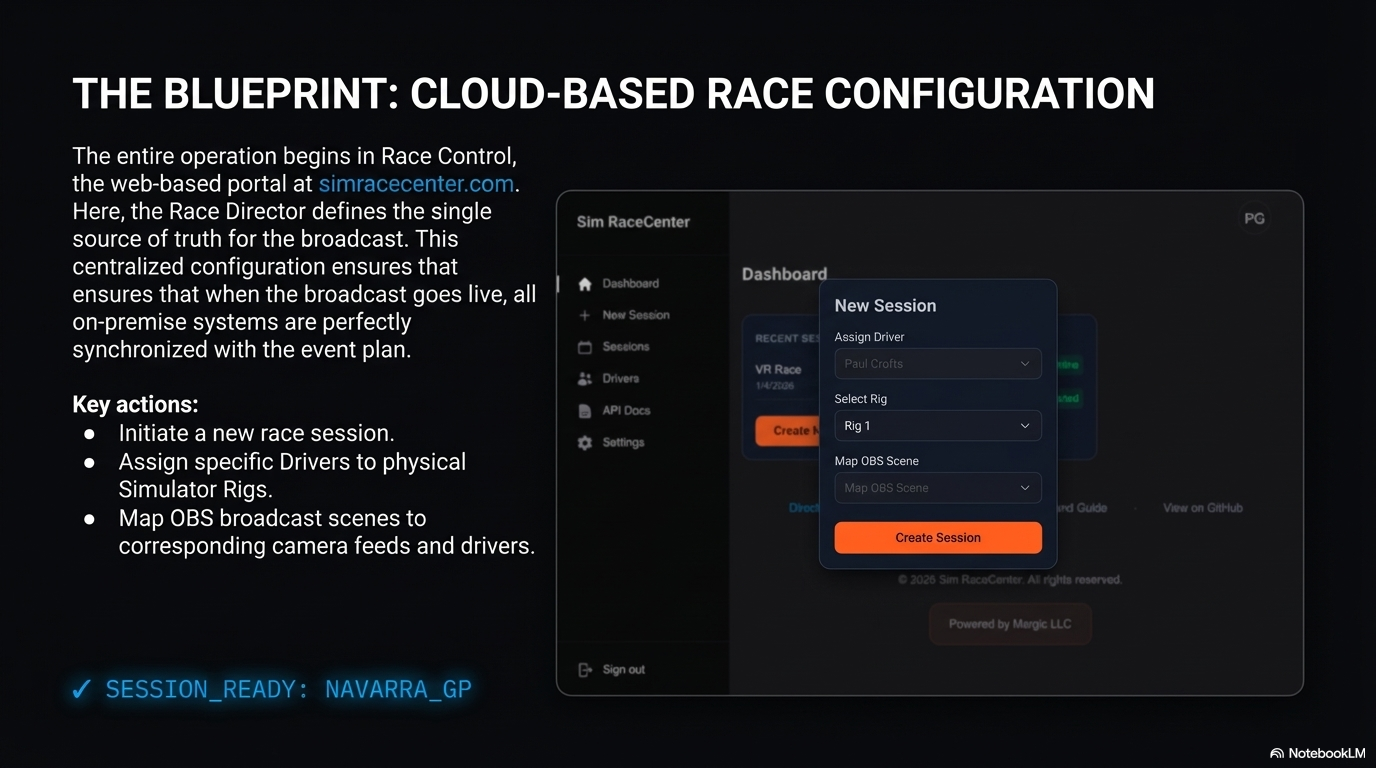
The Blueprint: Cloud-Based Configuration
The entire operation begins in Race Control, the centralized web portal. Here, the Race Director defines the single source of truth for the broadcast. This ensures that when you go live, all on-premise systems are perfectly synchronized.
- Initiate new race sessions
- Assign drivers to simulator rigs
- Map OBS scenes to camera feeds
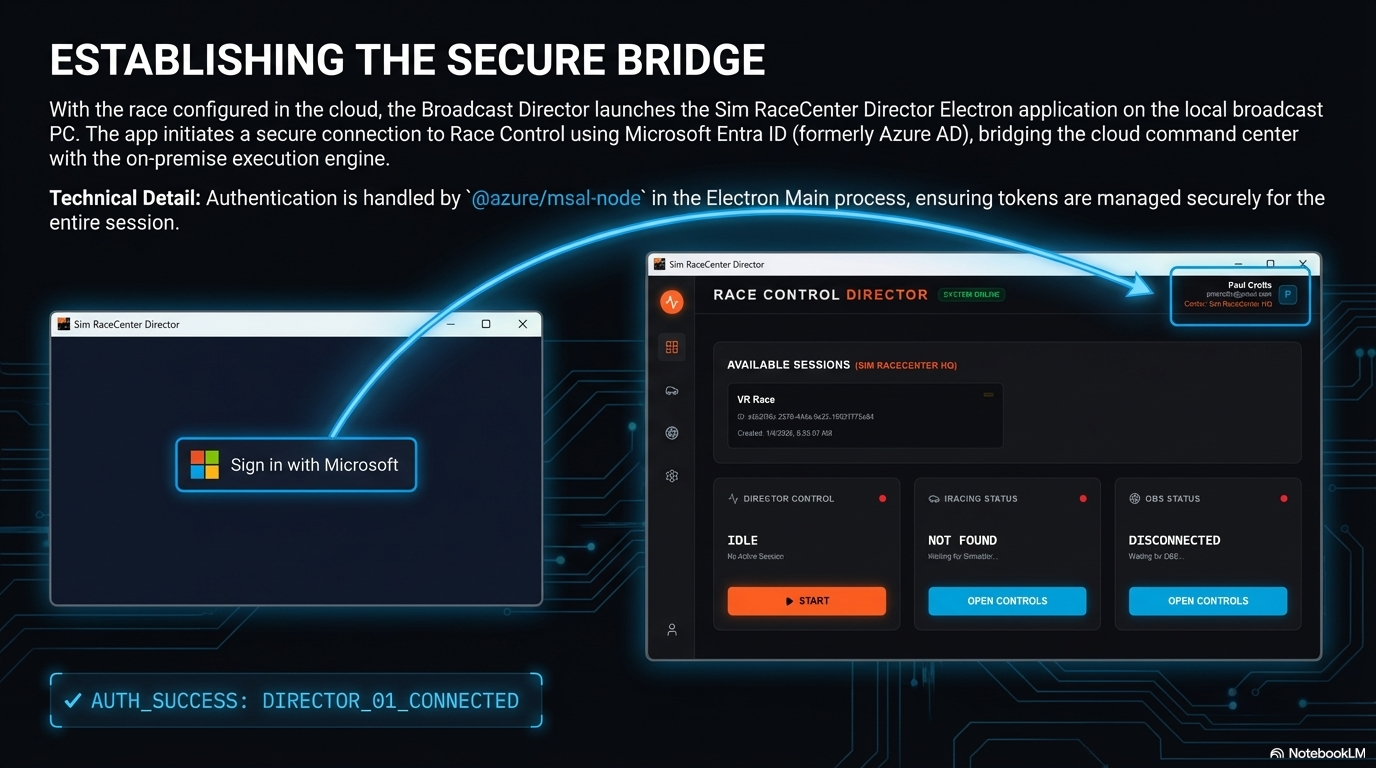
Establishing the Secure Bridge
With the race configured, the Sim RaceCenter Director app launches on your broadcast PC. It initiates a secure connection using Microsoft Entra ID, bridging the cloud command center with your local production environment.
- Secure authentication via MSAL Node
- Encrypted bridge to cloud configuration
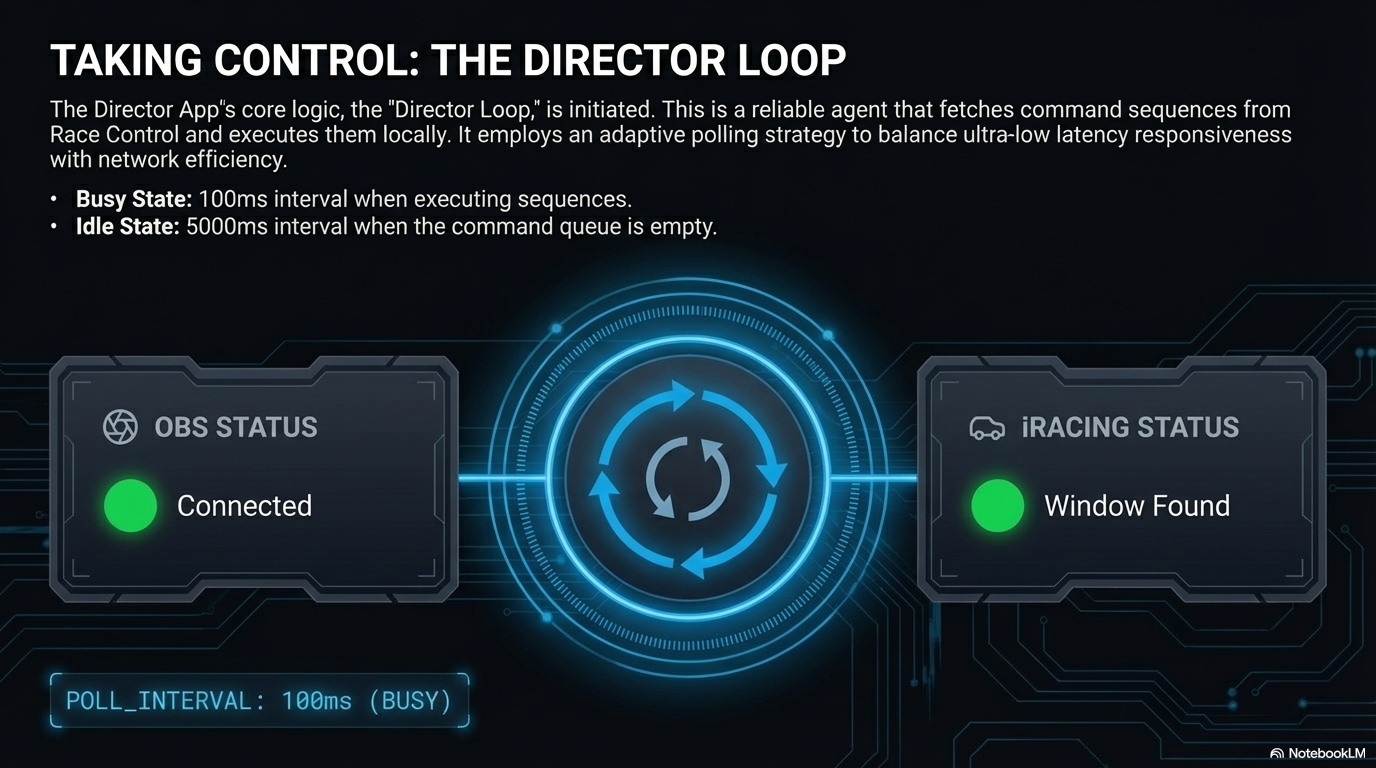
Taking Control: The Director Loop
The Director Loop is the heartbeat of the system. This reliable agent fetches command sequences from the cloud and executes them locally, using an adaptive polling strategy to balance ultra-low latency with network efficiency.
- 100ms interval during execution sequences
- Adaptive idling for network efficiency
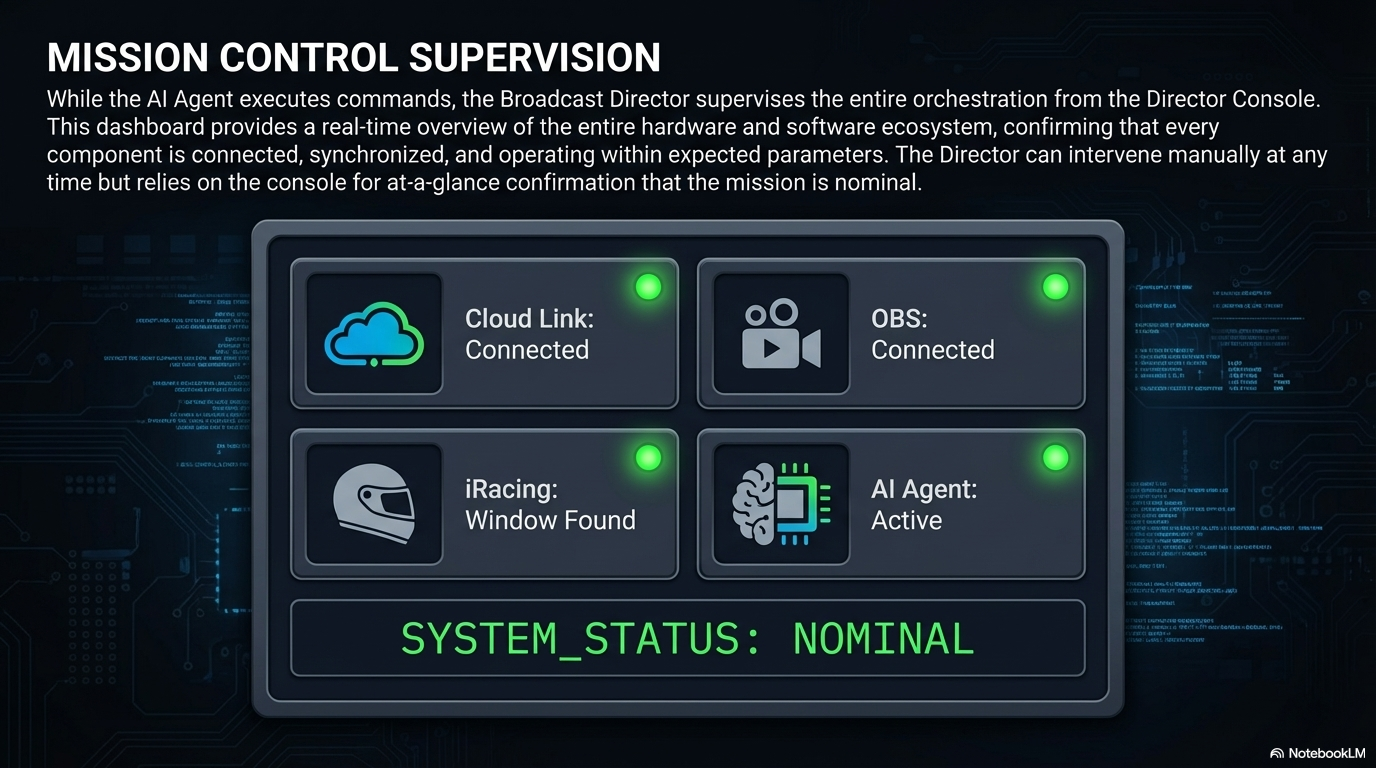
Mission Control Supervision
The Director Console provides a real-time overview of your entire broadcast ecosystem. Confirm status at a glance, knowing that every component—from the simulator to the streaming software—is connected and operating nominally.
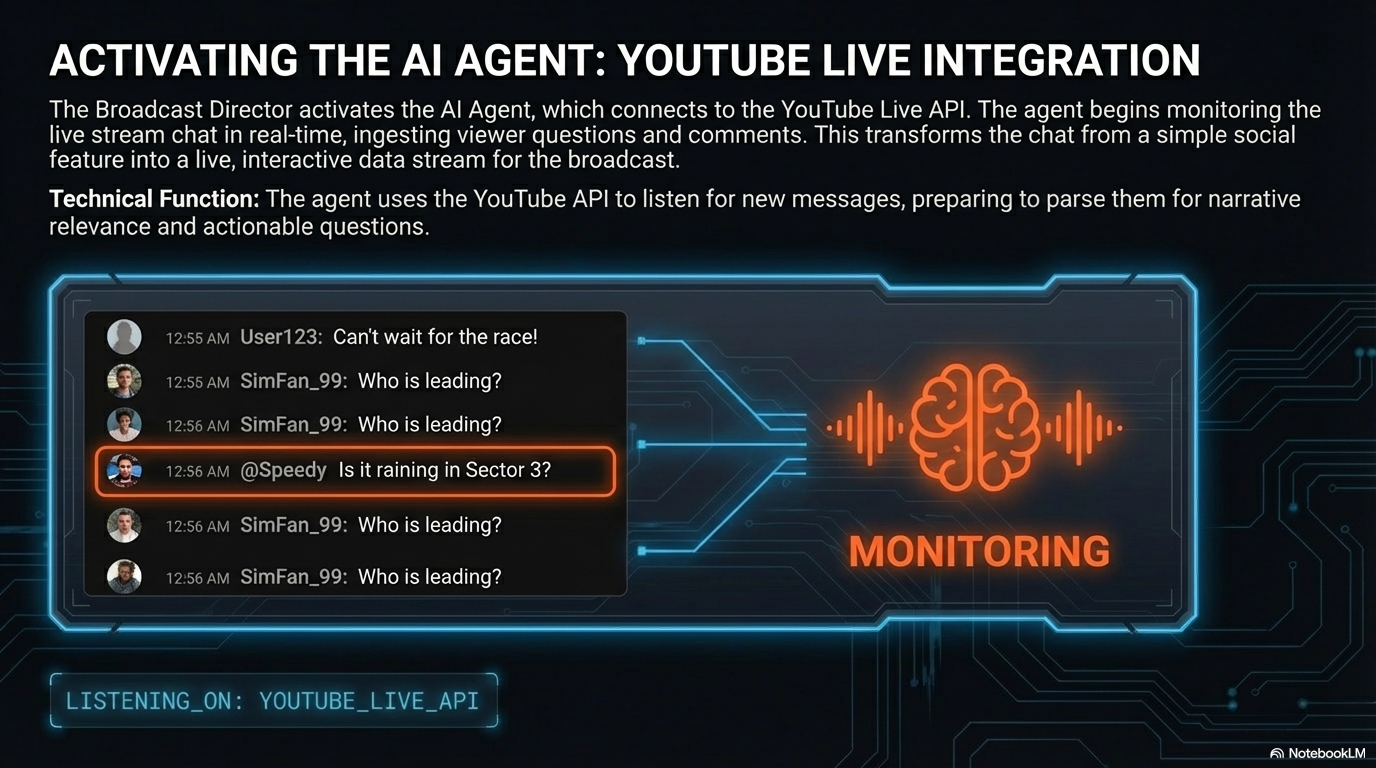
Activating the AI Agent
The AI Agent connects to the YouTube Live API, monitoring chat in real-time. It transforms your stream from a one-way broadcast into an interactive conversation by understanding viewer intent.
- Real-time chat ingestion
- Intent analysis for viewer questions
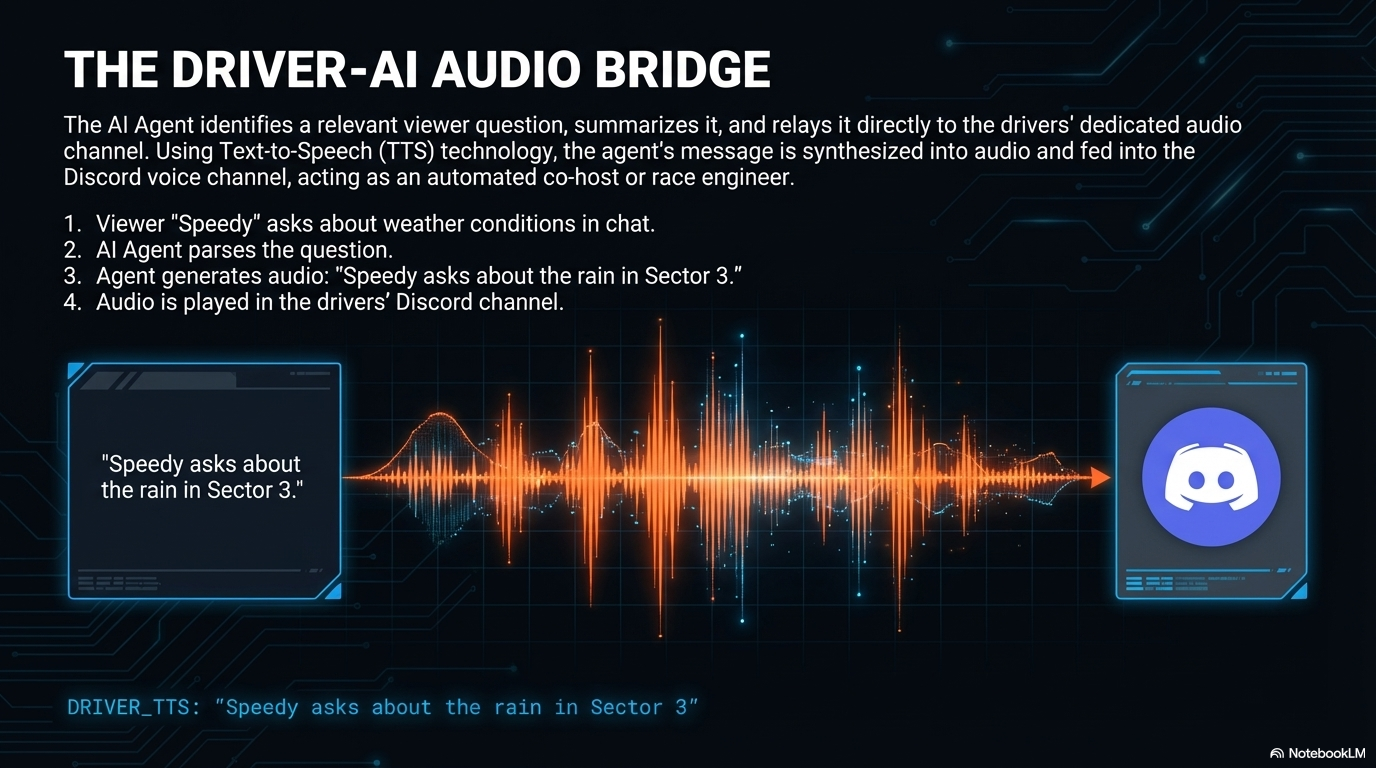
The Driver-AI Audio Bridge
When a viewer asks a question, the AI Agent acts as a race engineer. Using Text-to-Speech (TTS), it synthesizes the question and relays it directly to the driver's dedicated Discord voice channel.
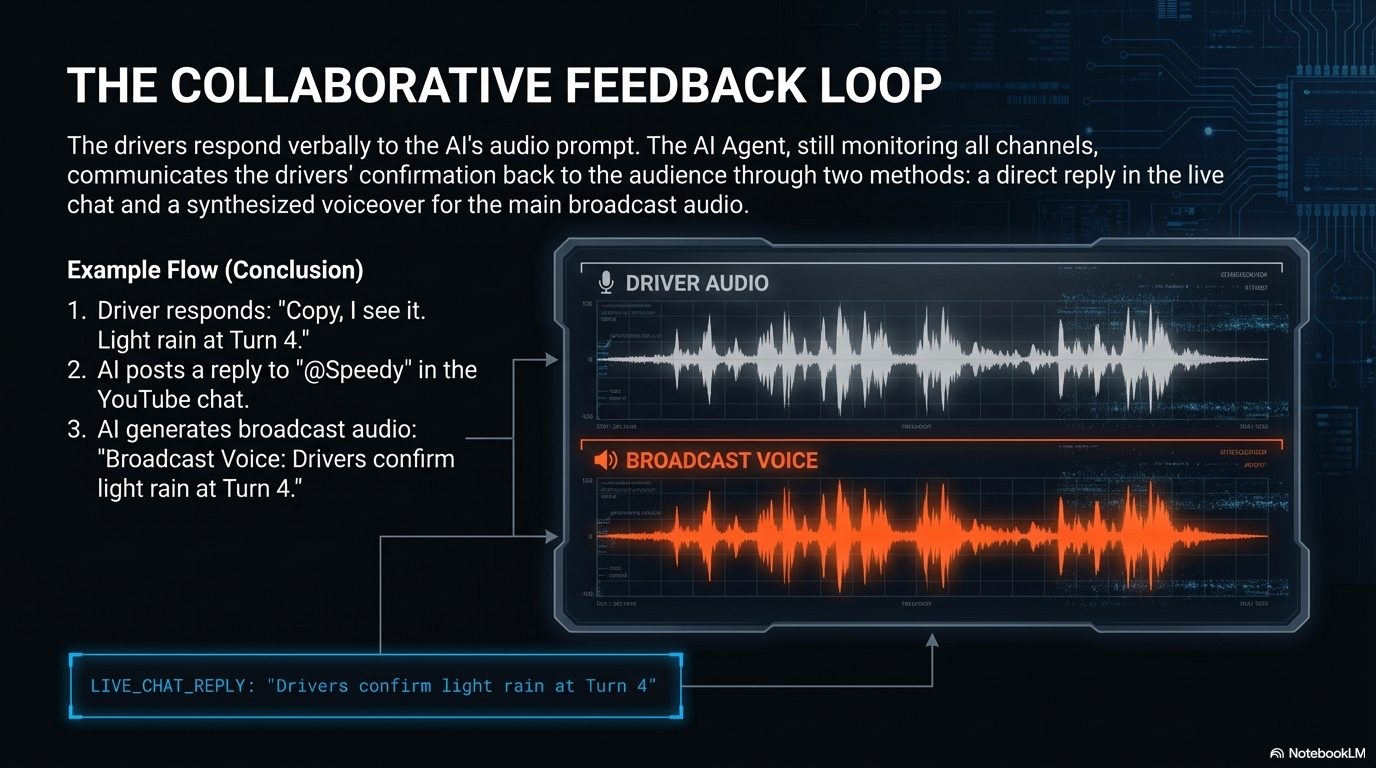
The Collaborative Feedback Loop
Drivers respond verbally to the AI. The system hears this, processes the answer, and posts a reply in chat while generating a Broadcast Voice confirmation for the stream audience.
- Driver-to-Audience communication
- Synthesized broadcast commentary
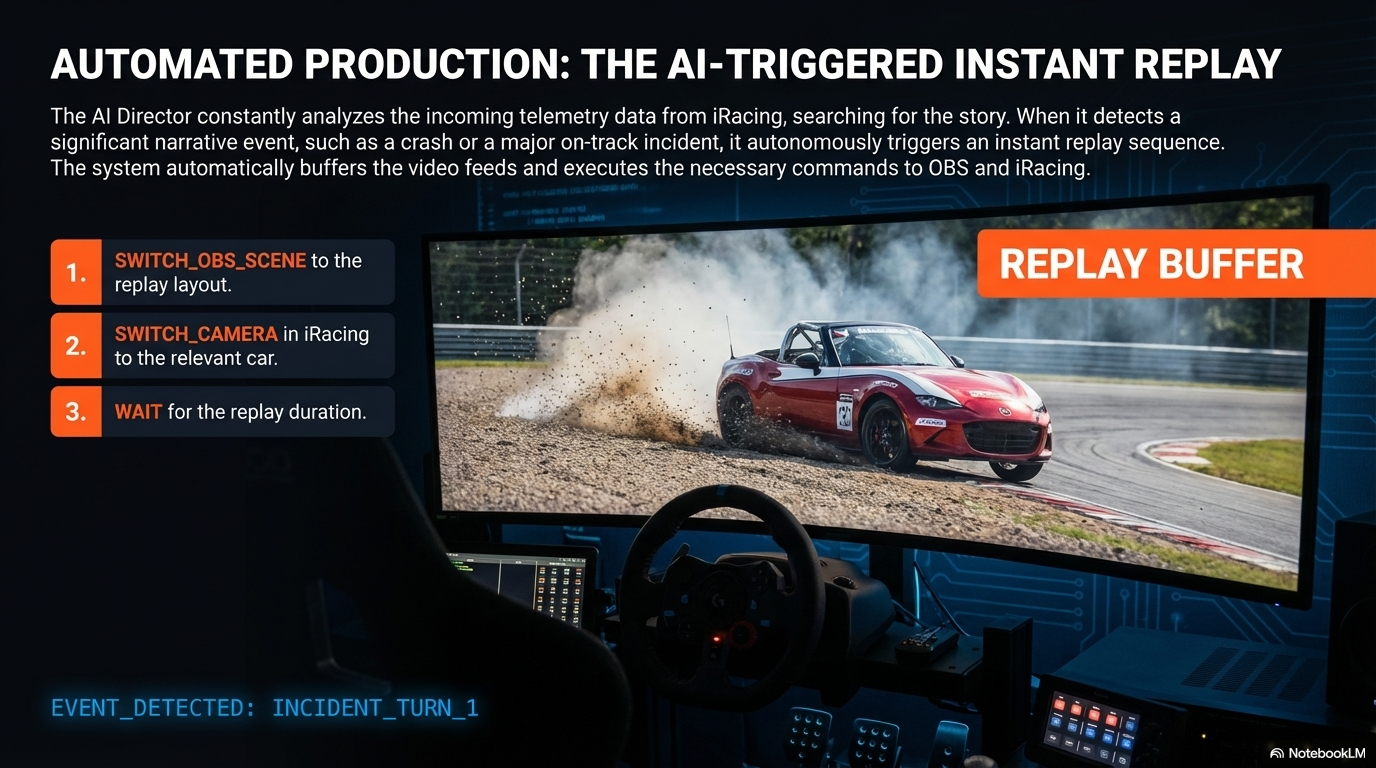
Automated Production: Instant Replays
The AI Director constantly scans telemetry for narrative spikes—crashes, battles, or mistakes. When a moment is detected, it autonomously buffers video and triggers a full replay sequence in OBS.
- Auto-trigger replay sequences
- Control OBS and iRacing cameras
- Seamless return to live action